
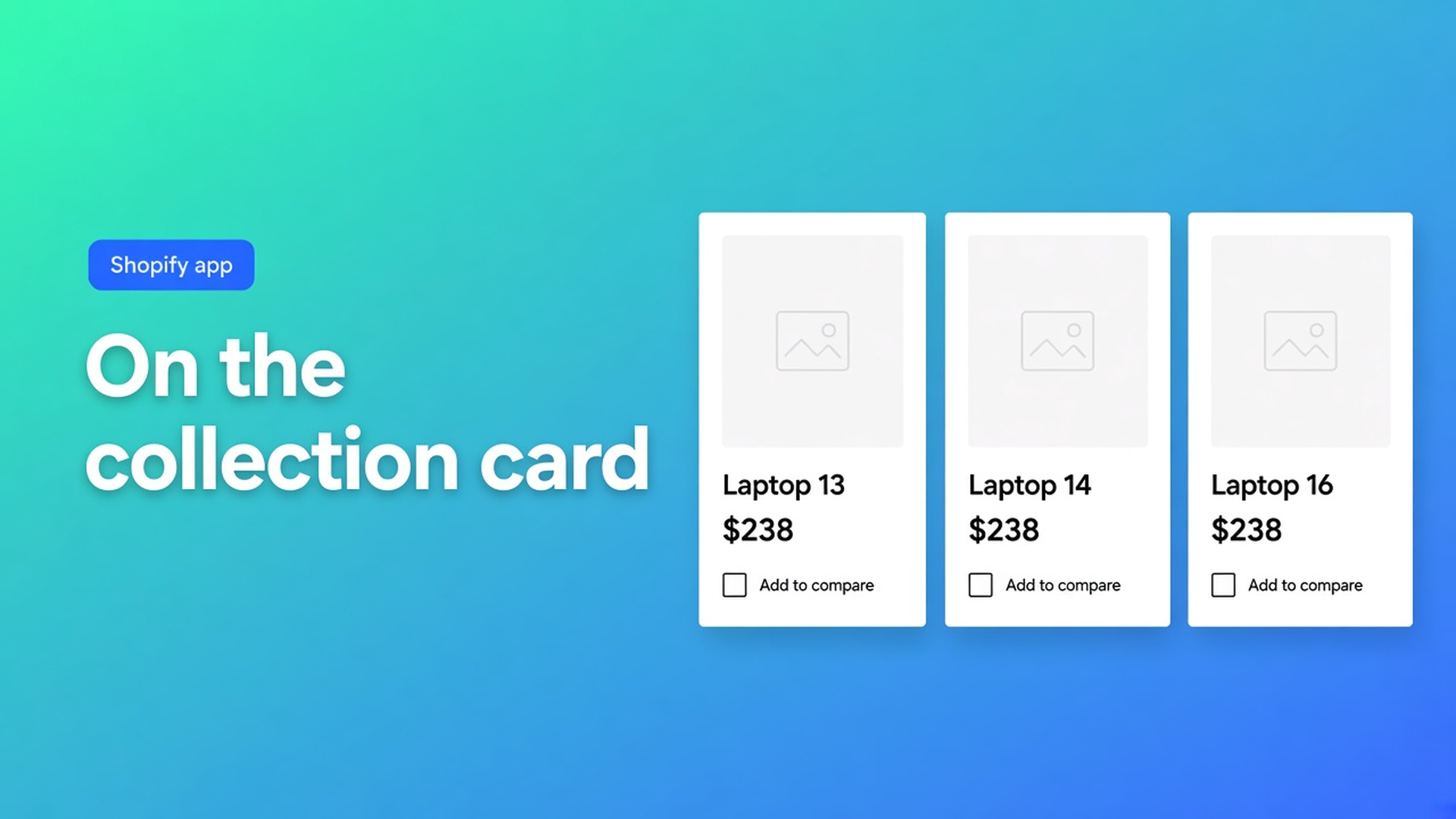
Shopify compare on collection cards: put the button on the card
`/collections/laptops` shows sixteen cards. The shopper wants Mini next to Pro. Add to compare only exists on the product page, under the price. Twelve PDP tabs later, the tray finally appears. Shopify compare on collection product cards starts in the grid: the same button on the card, the same tray, the same live rows.
Auto-placement can inject Compare under the price when the Compare button block is missing. That is a product-page fallback, not a spell that stamps every collection card. Cards live on another template. You add the Compare button block there yourself.
We already covered compare on a collection and the auto-placement matrix. This one is the card: why under-the-price inject never saves the grid, and how to drop the block on the collection template. CTA stays OO - Advanced Table Builder.
A collection card is not “under the price”
Shopify Help Collections groups products. A card is image, title, price, maybe quick-add. That price node is not the Default product price node. Auto-inject “under the price” aims at the PDP. Do not claim the same toggle prints buttons on every card.
Theme app blocks work on collection templates. Docs list product, collection, page, and other templates. Compare button is optional manual placement. Without that block in the card section, compare stays a PDP chore.
The tray and modal do not ship with the block alone. The app embed is required for tray/modal, Compare auto-inject, size-chart auto-placement, and shortcodes. A block without the embed is a button with no runtime.
What shops try until the grid stays mute
Turning on Settings → comparison placement only. The hoodie PDP shows Add to compare under the price. `/collections/hoodies` shows nothing. Wrong template, not a broken table.
Liquid in `card-product.liquid` that stuffs two handles into sessionStorage. The next theme update deletes it. No per-locale strings. No Design step for the button.
Expecting a Specs block on the collection to act as Compare. Auto-placement rules: Specs use the Product specs block. No ATC auto-inject. Tabbed and Us vs Them always need their own block or a shortcode. Only Compare may inject under the price, and only when the Compare block is absent — wherever that price actually is.
Hard-coded cells “Mini 1.2 kg / Pro 1.4 kg”. The comparison table article is blunt: do not hard-code per-product values on live rows. The storefront fills cells from each selected product. Product 1 / Product 2 labels are admin preview.
Card = block. PDP = block or inject. Tray = embed.
OO - Advanced Table Builder is Free. 5.0, 1 review. Listing: size charts, specs, compare, tabbed, Us vs Them; AI draft; metafields; translations; place on products, pages, anywhere. Docs may still say Tables, Specs & Comparisons. CTA is this listing.
Grid setup:
Comparison table: attribute modules (Weight, Price, options, custom attributes). Group under headings if it helps. No per-SKU hardcoded cells.
Visibility: which products may enter the comparison.
Theme editor → Collections → Default collection (or that collection’s template).
In the product-card section: Add block → Apps → Compare button.
Theme settings → App embeds → Tables, Specs & Comparisons on. Save.
Storefront: tap two cards. The tray should open. The modal should show live rows.
On Default product you can use the same block, or auto-inject under the price as a fallback. Tray and modal is the runtime. Design covers button chrome, modal, tray. Refine with AI on Design accepts a description, screenshot, or brand URL; structure stays locked.
Several collection templates (B2B vs D2C)? Put the block on every template that renders cards. Default collection does not cover a custom Lookbook template.
Shortcode `[oo-table id=YOUR_TABLE_ID]` belongs on a page or section. It is not a per-card button. Embed on, table Enabled.
Three laptops, one grid
Collection “Workstations”. Cards: 13", 14", 16". Shoppers want weight, wattage, price side by side, not three tabs.
One Comparison table. Rows from Shopify-backed modules (Price, Weight) plus a wattage metafield, so the 14" does not freeze on last year’s screenshot. Compare block on the collection card, under the card price if the theme allows. Embed on.
Checks:
Logged-out on the collection: button visible, two products in the tray, modal with live columns.
Same two products from the PDP: if inject is on and Default product has no Compare block, the button sits under the price. Double buttons? Turn inject off when the block is present, or drop the PDP block.
A Specs table on the same products: it will not appear on the card. That type wants a Product specs block somewhere else.
Theme swap: re-add embed and blocks. App config survives.
One collection, then the rest
Install OO - Advanced Table Builder. Create or reuse a Comparison table. No hardcoded cells.
Embed on.
Customize → Collections → Default collection → Compare button in the card section.
Two products in the tray. Check live Price/Weight, not admin placeholders.
PDP: pick block or inject, not both if you see duplicates.
Locales: Settings → translations for trigger text and empty states.
Wrap-up
Shopify compare on collection product cards is a Compare button block on the collection template. Auto-inject under the price saves the PDP, not the grid. The embed keeps tray and modal alive. Specs, Tabbed, and Us vs Them never appear on a card by themselves.
Put the button in OO - Advanced Table Builder, tap two cards, and let shoppers see Mini next to Pro without twelve tabs.

The Shopify Select partner for ambitious e-commerce businesses that want to grow!


Services
Reviews
5/5
Mail: info@onlineorigins.nl
Tel: 073 234 0612
KVK: 89825624
BTW: NL865123639B01
Bruistensingel 500,5232 AH 's-Hertogenbosch Cookies
© 2026 Online Origins