
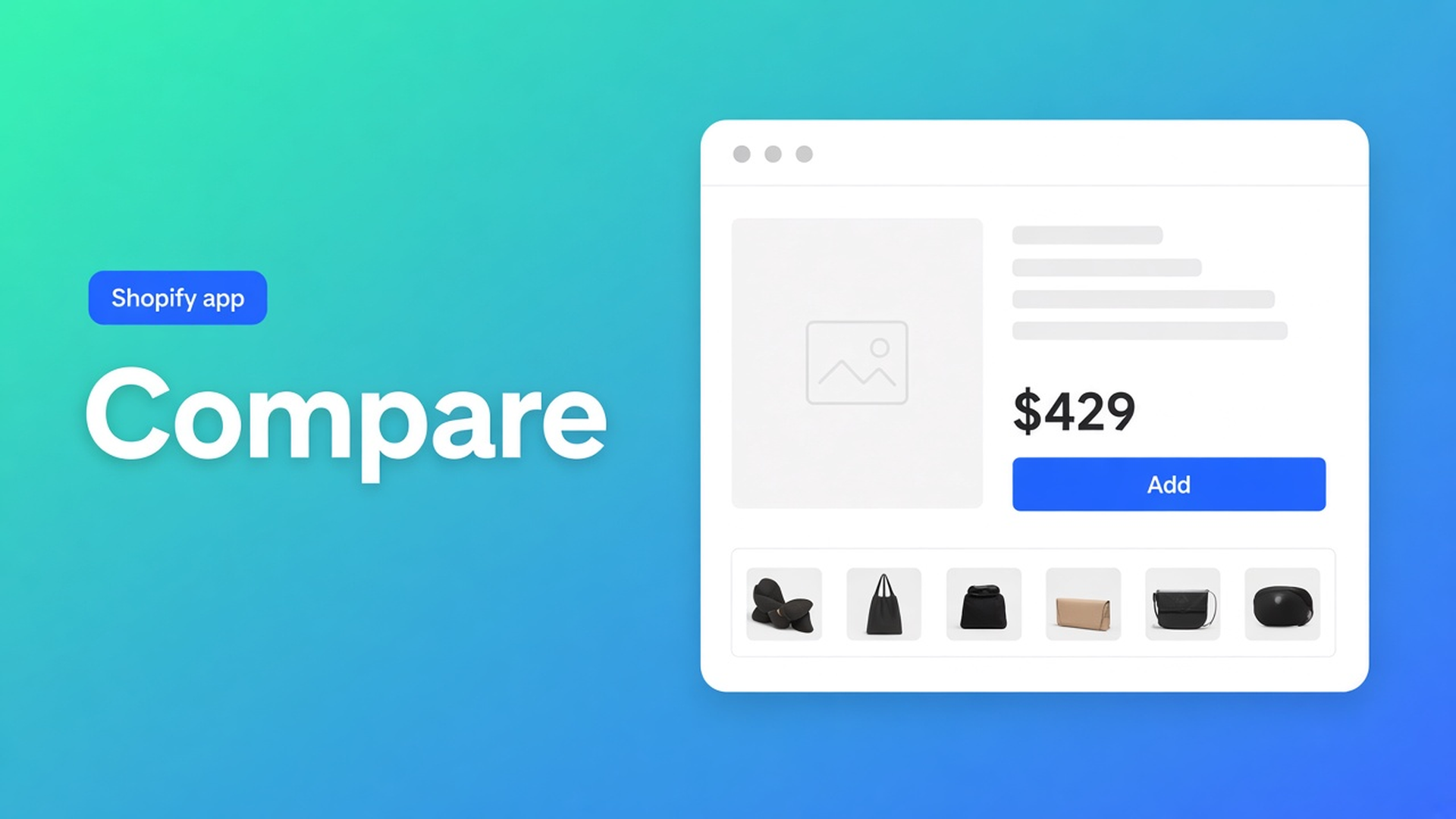
Shopify comparison table on the product page: button or auto-inject
The shopper is on the Twin mattress. Queen and King are one click away. Without a control on *this* page, compare never starts. Shopify comparison table product page setup is that control: Add to compare next to the price, a tray at the bottom, a modal of columns — not a static HTML table on a page named “Compare our range”.
The comparison type itself (rows, metafields, tray) is Shopify product comparison table. Collection cards are add to compare on collection. This article stays on the product page: Compare button block versus auto-inject under the price, and why the app embed runs the tray. CTA: OO - Advanced Table Builder. Docs still say Tables, Specs & Comparisons in places.
Do not pitch another Online Origins app. Specs do not inject next to Add to cart.
A PDP is one product, not a grid
Shopify Help on product templates is the layout for one product family. Price, gallery, Add to cart. What it does not give you: the shopper ticks Twin, opens Queen, ticks Queen, then one table.
What shops drop in instead:
a metafield “compare with” as plain text;
a page link “see the full line” that leaves the PDP;
an HTML table in the description that goes stale when firmness changes.
Theme app blocks solve *placement*. Someone still has to build the Comparison type, Enable it, and choose: manual button or inject. Without the embed there is no tray, even if the button looks parked next to the price.
PDP shortcuts that are the wrong type
Collection button only, leave the PDP alone. The shopper arrives on Twin from Google. There is no Add to compare. The tray stays empty.
Treat the Specs block as a compare button. Auto-placement rules: Specs use the Product specs block only. No ATC auto-inject. Do not claim it. Live product fields in Specs are specs live product fields.
Us vs Them on the PDP as “us versus the market”. Different type: feature rows with yes/no/text, picked in the block by table ID. Not a live multi-product picker.
A shortcode in the description without the embed. Shortcodes `[oo-table id=...]` need the embed plus an enabled table (shortcode article).
None of that is: Comparison enabled, app embed on, then either the Compare block on the product template or auto-inject under the price.
Two places on the same PDP
OO - Advanced Table Builder is Free. Listing: 5.0 (1 review). Launched 17 September 2026. UI in English. Works with AI, Excel, Google Sheets. The listing names comparison tables, pop-ups, multi-product, place tables on products, pages, or anywhere else.
Build the table first (Quick start): Create table → type Comparison (or Generate with AI, screenshot max 4 MB). Structure: rows from Shopify-backed modules and metafields. After AI: Weight/Price/options as Shopify modules, not typed custom attributes. Settings: Enable. Visibility: All products or Selected products only — selected-product rules apply on product pages (Enable, visibility, and products). Disabled tables render nowhere, inject included.
Compare button block
Place tables with theme blocks: Compare button = “optional manual Compare placement”. Path:
Online Store → Themes → Customize.
Template Products → Default product (or your product template).
Add block in the section by price / buy buttons.
Apps → Compare button → Save.
Those docs recommend Size chart or Specs near price and buy — same idea for the compare control: shoppers see it while they decide. Size chart and Specs blocks are visibility-based; Compare is the manual button.
Auto-inject under the price
Comparison placement options in Settings:
Auto-inject under price — when the Compare button theme block is not used, place Add to compare under the price via the app embed.
Show on product cards — also on collection/product card grids *where supported*. That is the collection article, not this PDP.
Auto-placement rules for Comparison: if the Compare button block is absent, each comparison table can opt in to inject Add to compare under the price. The tray and modal still come from the app embed.
Pick one primary control on the PDP. Block and inject together means two buttons on the same page. Rarely what you want. Collection cards stay a separate Settings toggle.
The embed is not optional chrome
No app embed, no runtime. The button can sit in the theme editor; the tray will not open. Turn the embed on before you argue block versus inject.
Size charts can sit above Add to cart when the Size chart block is missing — different type, different rule. Tabbed and Us vs Them always go through their block (specific table ID) or a shortcode. Do not fold those rules into Comparison.
Customer-facing strings (button label, empty state, modal) translate per locale in Settings → translations. Listing: fully translate all table text. That is not a second table.
Walkthrough: three mattresses, control under the price
Twin, Queen, King. One Comparison table, rows: firmness, height, cover, Weight module, price. Enable, visibility Selected products: those three handles.
No Compare block on the product template. Settings: Auto-inject under price on. App embed on. Show on product cards off until the collection comes later.
Test Twin: button under the price, tray, add Queen from that PDP, open the modal. Two columns, live fields. No second button in the description. No Specs block mistaken for Compare.
Theme update: the inject point stays “under the price” via the embed, not a Liquid snippet that dies. Want the button between gallery and buy? Use the Compare block and turn auto-inject off.
Ship the PDP
Install OO - Advanced Table Builder (Free, 5.0 from 1 review).
Create table, type Comparison, Enable. Visibility on the products you want compared.
App embed on. No embed, no tray/modal.
PDP: either Customize → Default product → Compare button block or Settings → Auto-inject under price. Not both as the primary control.
Finish the PDP, then Show on product cards for the collection.
Translate the button label. Test on mobile: button visible, modal usable.
Wrap-up
Shopify comparison table product page setup is a control on the PDP plus a tray the embed runs. Manual block when you want the exact slot. Auto-inject under the price when the block is absent. Specs do not get that inject.
Put the button in with OO - Advanced Table Builder. Shoppers then compare on Twin, not across five tabs.

The Shopify Select partner for ambitious e-commerce businesses that want to grow!


Services
Reviews
5/5
Mail: info@onlineorigins.nl
Tel: 073 234 0612
KVK: 89825624
BTW: NL865123639B01
Bruistensingel 500,5232 AH 's-Hertogenbosch Cookies
© 2026 Online Origins